
Streamicorn
A simple Apple TV app for PeerTube. Save the instances you like, search across all of them, and watch on the big screen.
Apple TV · tvOS 26.2 or later
Add your instances
Start with a few suggested instances or enter the address of any other. Streamicorn checks each one before saving it.
Search everywhere
One search looks through all your saved instances at once.
Watch natively
Videos play in the Apple TV player you already know, with subtitles when a video has them.
-
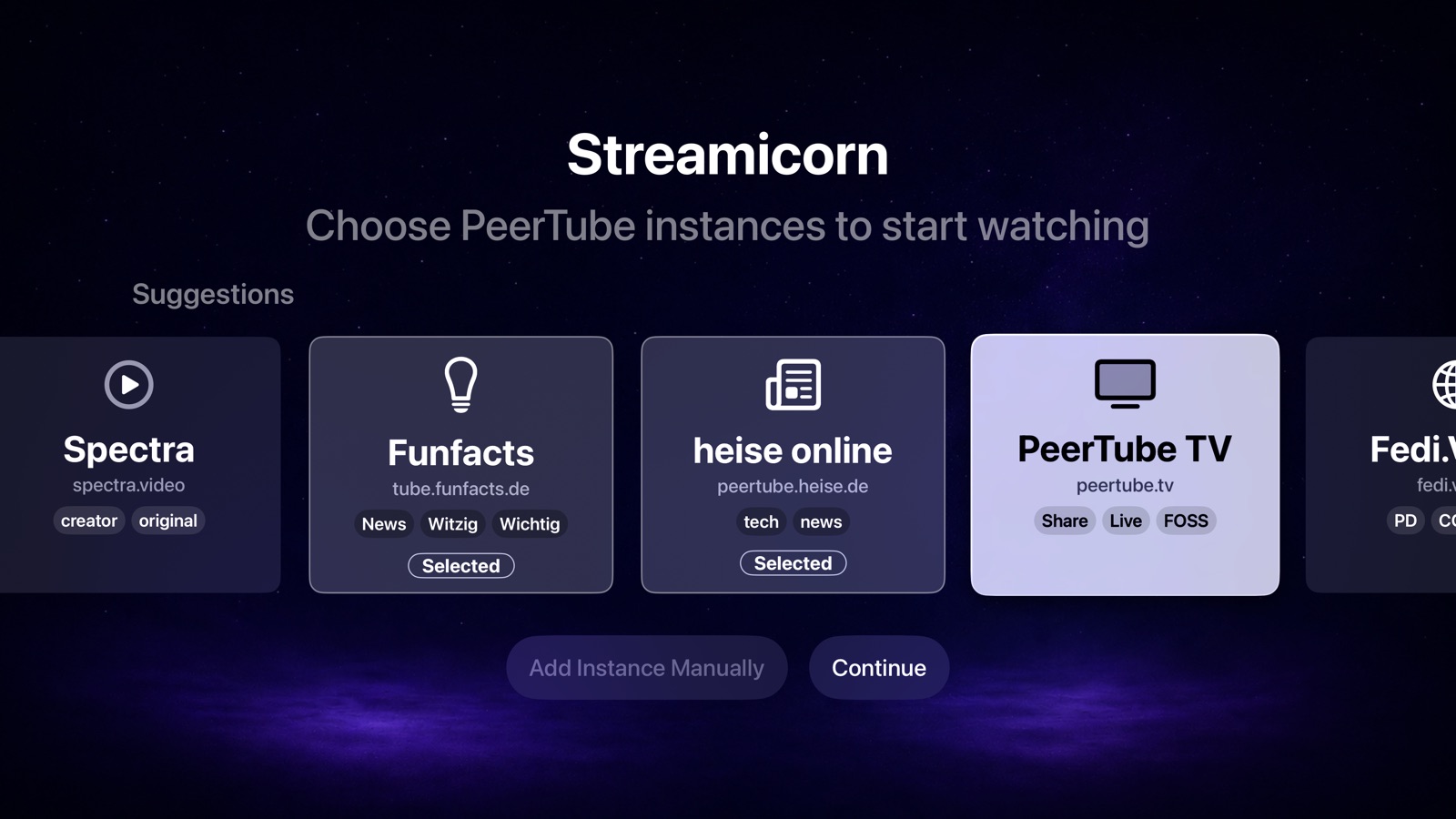
Choose suggested instances -
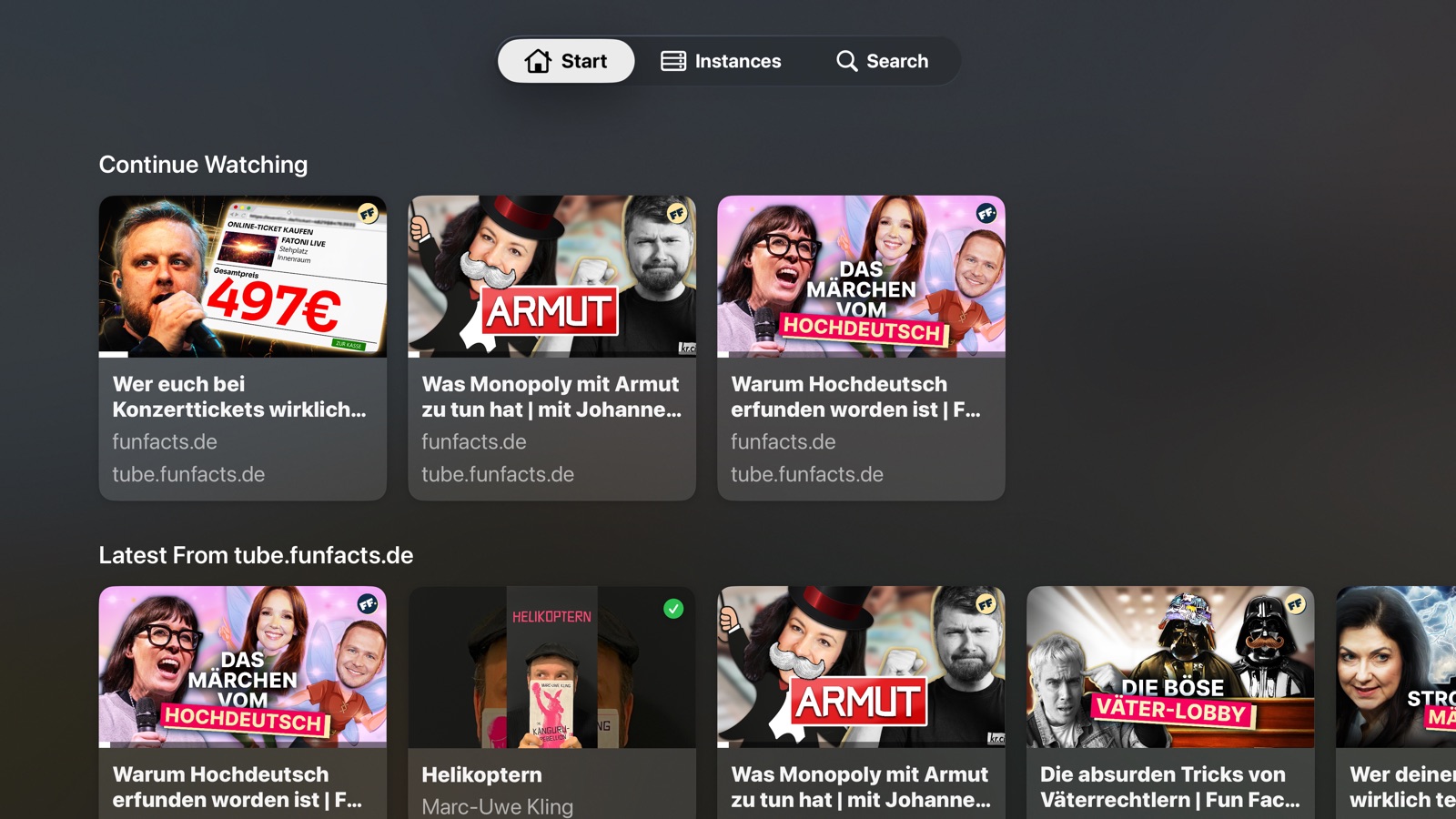
Continue watching and see what’s new -
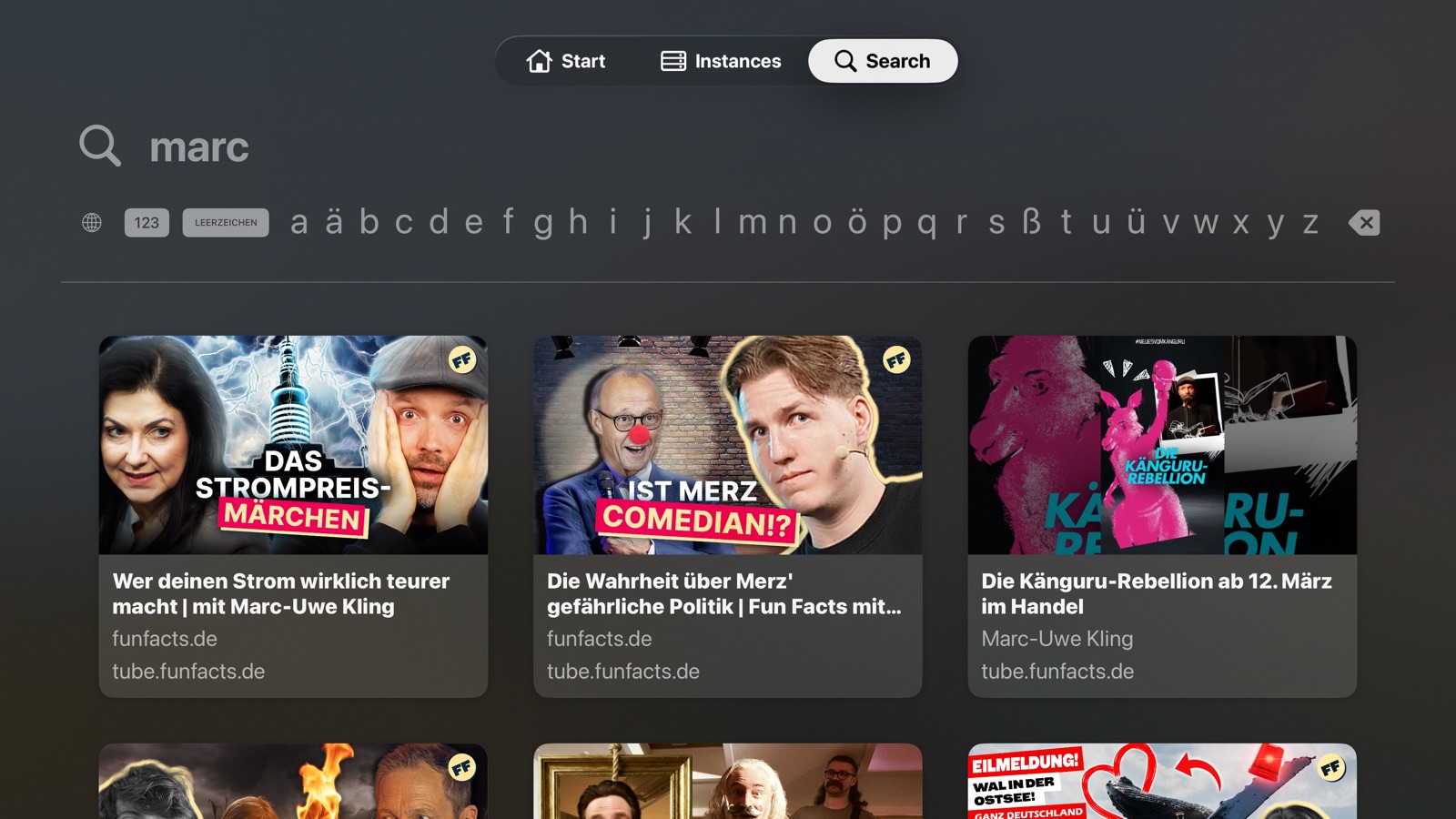
Search all your instances -

Resume and find more from the channel
PeerTube that feels at home on Apple TV
PeerTube is spread across many independent servers. Streamicorn brings the ones you choose together in one calm app.
-
Continue watching
Videos you started wait on the Start screen. Resume where you stopped or play from the beginning, and mark a video as watched when you’re done.
-
See what’s new
The Start screen shows the latest videos from each of your instances.
-
Find more from a channel
Each video’s page lists other videos from the same channel.
-
No account needed
No login, no ads, no tracking. Your instances and watch progress stay on your Apple TV.
Questions and answers
Where do I find more PeerTube instances?
Streamicorn suggests a few when you first open it. You’ll find many more in the instance list on joinpeertube.org, where you can filter by language and topic.
Why can’t I add an instance?
Streamicorn asks the server whether it runs PeerTube before saving it. The address must use HTTPS and must not redirect somewhere else, so enter it the way it appears in your browser’s address bar after the page has loaded. If the server doesn’t answer within 10 seconds, try again later.
Why do I see videos from instances I didn’t add?
Instances share videos with the instances they follow, so searching one can also find videos hosted elsewhere. Those videos play just the same.
Why won’t a video play?
Some videos don’t offer a file that Apple TV can play, and the video’s page then says so. If a video that worked before stops loading, its instance may be offline for a while.
Privacy Policy
Streamicorn does not collect personal data and does not use accounts, advertising, tracking, analytics, or crash-reporting services.
Streamicorn stores saved PeerTube instance URLs and playback history locally on your Apple TV so the app can search across your selected instances and resume videos. This local data is not sent to Streamicorn or the developer.
When you use a PeerTube instance, your Apple TV connects directly to that instance. The instance operator may receive your IP address, search terms, requested thumbnails, video details, captions, video URLs, playback requests, timestamps, and other standard network information. This can allow the instance operator to infer which videos you search for, open, or watch. Those servers are operated independently, and their own privacy policies may apply. Streamicorn does not control those servers and does not receive this data.
You can remove locally stored Streamicorn data by deleting saved instances or deleting the app.
Have a question or an idea?
If something isn’t working, include your tvOS version, the instance address and a short description of what happened.
Email support